
Linux packages
DEB, RPM, AppImage, tar.xz, and Flathub.
A polished, open-source launcher for Linux desktops and Steam Deck. Pick the package your distribution expects, plug into a 4K display, and keep every world one clear launch away.
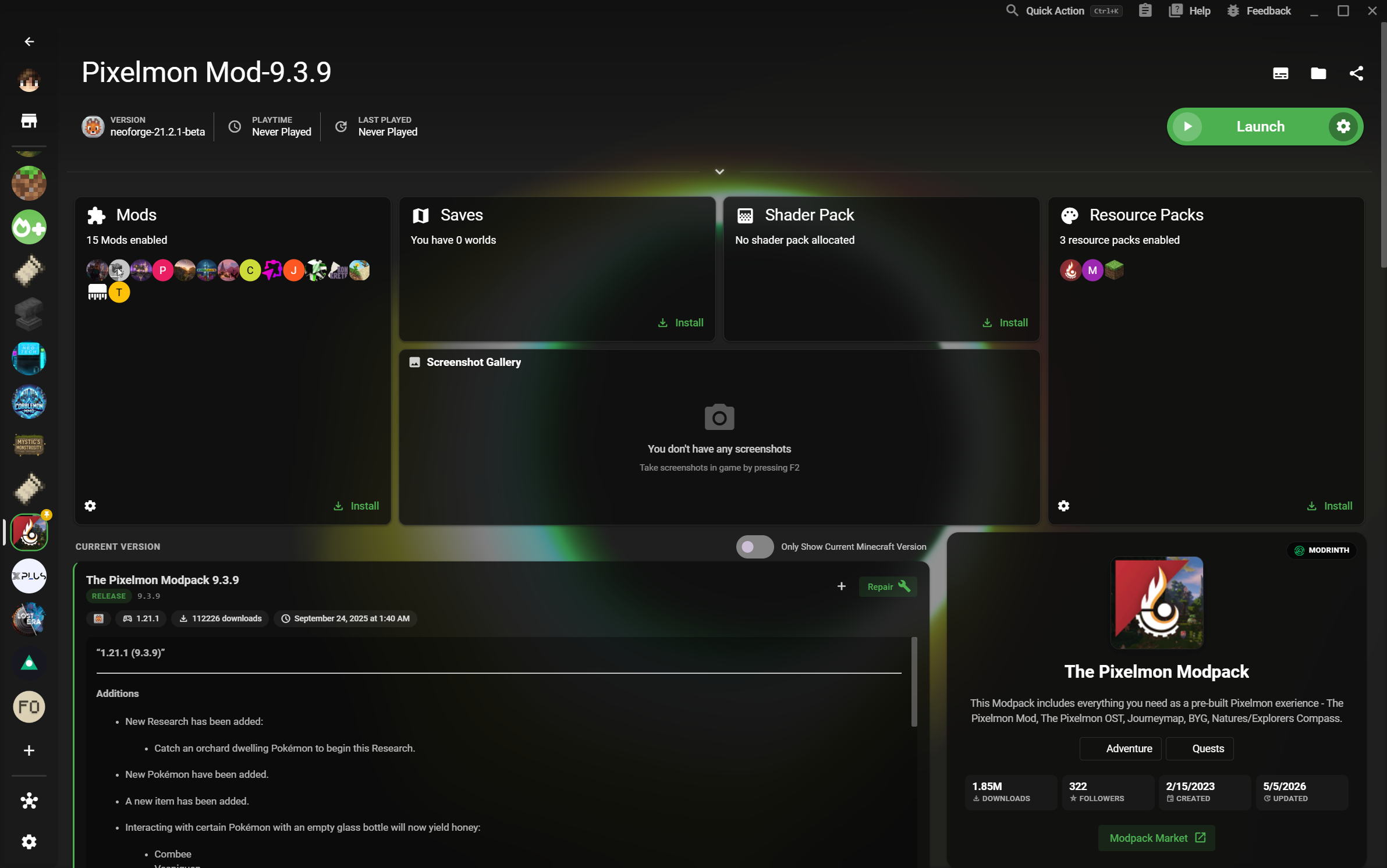
DEB, RPM, AppImage, tar.xz, and Flathub.
A dense library that stays readable on a large display.
Keep versions, loaders, and saves from colliding.
XMCL keeps the things Linux players care about close: predictable installs, a sharp interface, and independent game environments that stay easy to move between.
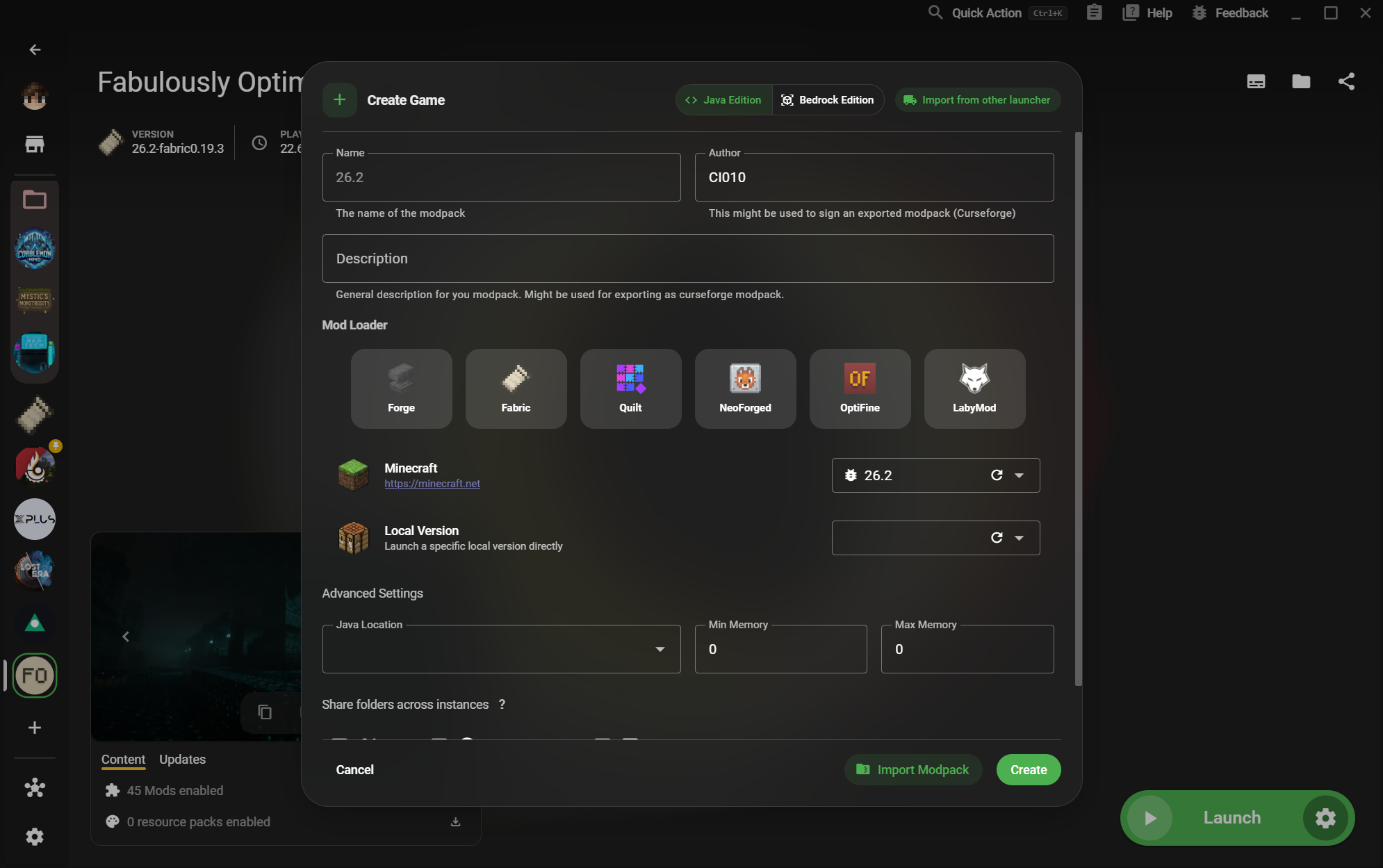
Download a native package for your desktop or use Flathub when you want a portable, Steam Deck-friendly route. XMCL also offers ARM64 builds where the hardware calls for them.
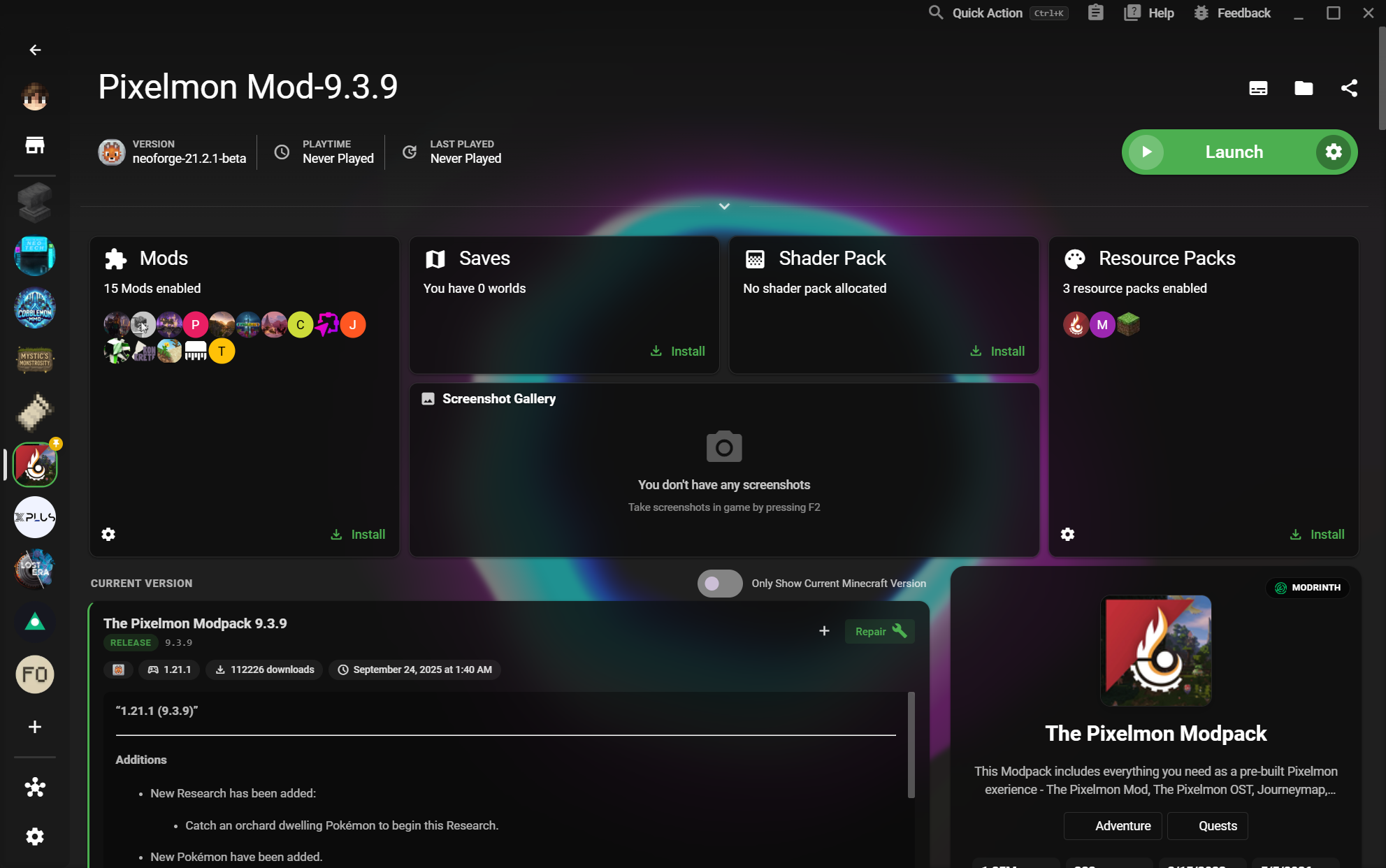
Separate vanilla, modded, testing, and server setups without juggling folders by hand. Your versions, loaders, mods, saves, and settings stay together.
Move from a Linux desktop to a Steam Deck session without giving up a clear library or a dependable setup. XMCL gives your collection room to grow without turning it into a spreadsheet.
Choose the package that belongs on your system, or use Flathub to bring XMCL to Steam Deck.
See every release and prebuild